Introduction
Imagine a control room with 4 separate computers, 4 keyboards, 4 mice, tangled cables, and 4 different points of failure. This is the reality in many UK NOC rooms and factory control rooms. When one computer freezes, the operator loses visibility of an entire subsystem.
A Video Wall solution consolidates everything into a single device – one unified visual picture, one set of controls, one point of maintenance. The result is a dramatically simpler infrastructure and more reliable monitoring.
In this article, you will learn what a Video Wall is, when you need a command centre, and how the IBOX-3226 powers 4 independent 4K displays from a single fanless device.
What is a Video Wall?
A Video Wall is a system of multiple screens controlled by a single controller, displaying unified or independent content. Two primary modes:
Tiled Mode
A single image stretched across 4 screens – ideal for large maps, network diagrams, or SCADA visualisations with dozens of parameters.
Multi-monitor Mode
4 independent desktops – Grafana on one, Zabbix on a second, video surveillance on a third, email on the fourth.
Video Wall Architecture
Three typical applications for Video Walls in the UK:
NOC
Network Operations Centre – 24/7 monitoring of servers, networking equipment, and internet connectivity.
Factory Control Room
SCADA dashboards, production KPIs, machine status, and alarm indicators – everything at a glance.
Corporate Command Centre
Business Intelligence, logistics dispatch, Power BI dashboards for senior management.
What is a NOC and when do you need a command centre?
A NOC (Network Operations Centre) is a centralised room for monitoring IT infrastructure. Think of it as a “control tower” for your servers, networks, and services. Operators see everything on multiple screens and react instantly to issues.
You need a command centre when: you operate 24/7, you have multiple data sources, you need to meet SLA commitments, or when loss of visibility means loss of revenue.
ISP Monitoring
Service uptime, bandwidth utilisation, outage alarms – critical for internet service providers and hosting companies.
Production Line
Machine status, defect rate, throughput – the production manager sees everything in real time.
Logistics
Fleet tracking, expected deliveries, GPS positions – the dispatcher manages the entire fleet from a single workstation.
Corporate KPIs
Sales dashboards, Power BI visualisations, financial metrics – the management team gets an instant snapshot.
Why not simply use 4 computers?
At first glance, it seems logical – one computer per monitor. But in practice, this creates a cascade of problems:
4× Separate Computers
- 4× Windows licences (4×£120)
- 4× maintenance and update points
- 4× points of failure
- 4× power consumption
- Cable chaos and the need for KVM extenders
1× IBOX-3226
- 1 operating system (Linux is free)
- 1 point of management and monitoring
- Unified visual picture across 4 screens
- Dramatically simpler cabling infrastructure
- No KVM extenders – direct HDMI
Fact: KVM extenders add £170–£425 per monitor and introduce additional latency to the display. IBOX-3226 eliminates them entirely with 4 direct HDMI outputs.
Comparison: 4 PCs vs 1 IBOX-3226
IBOX-3226: 4× 4K from one device
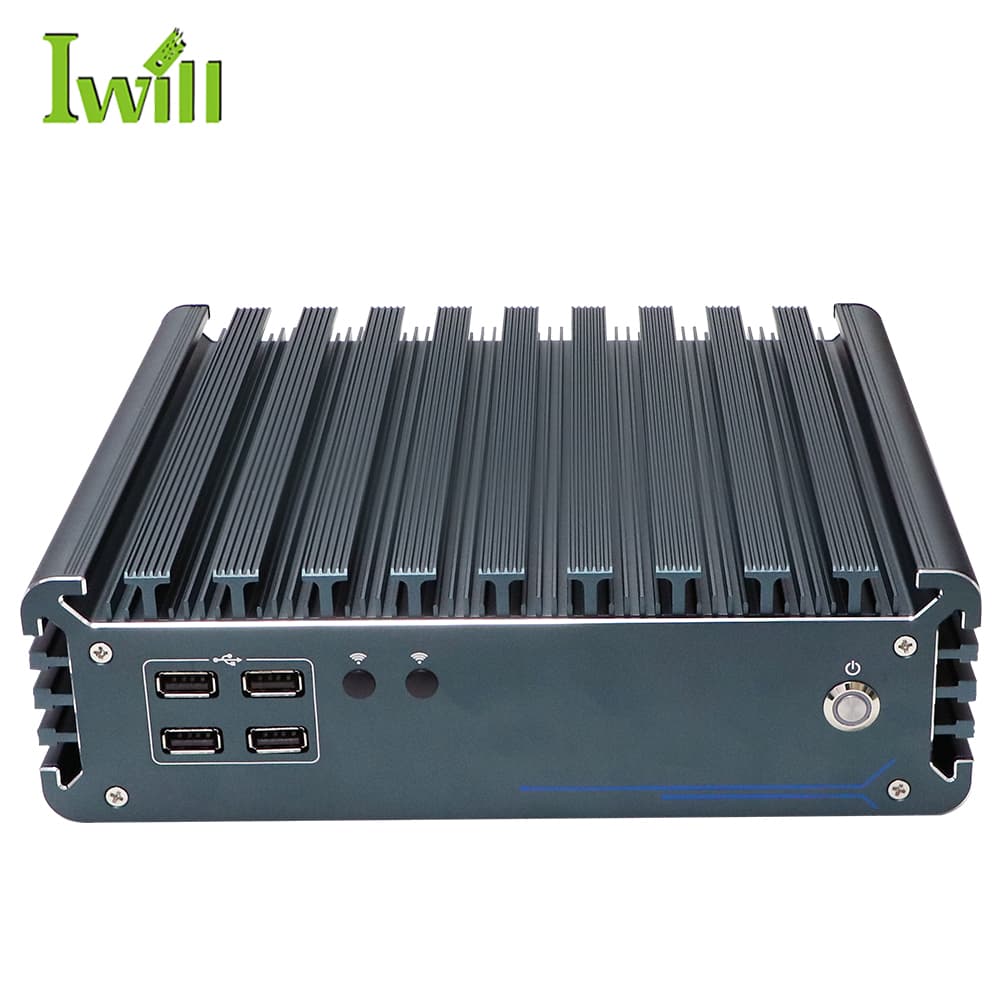
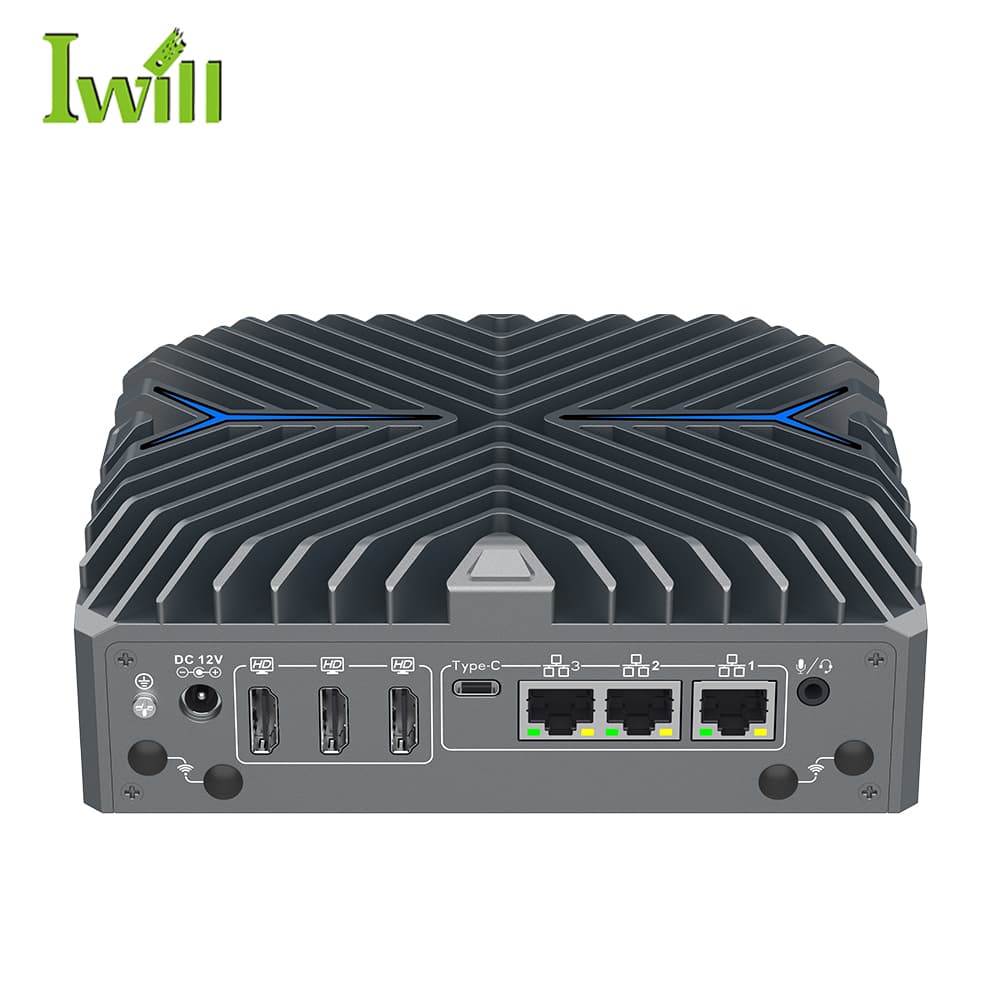
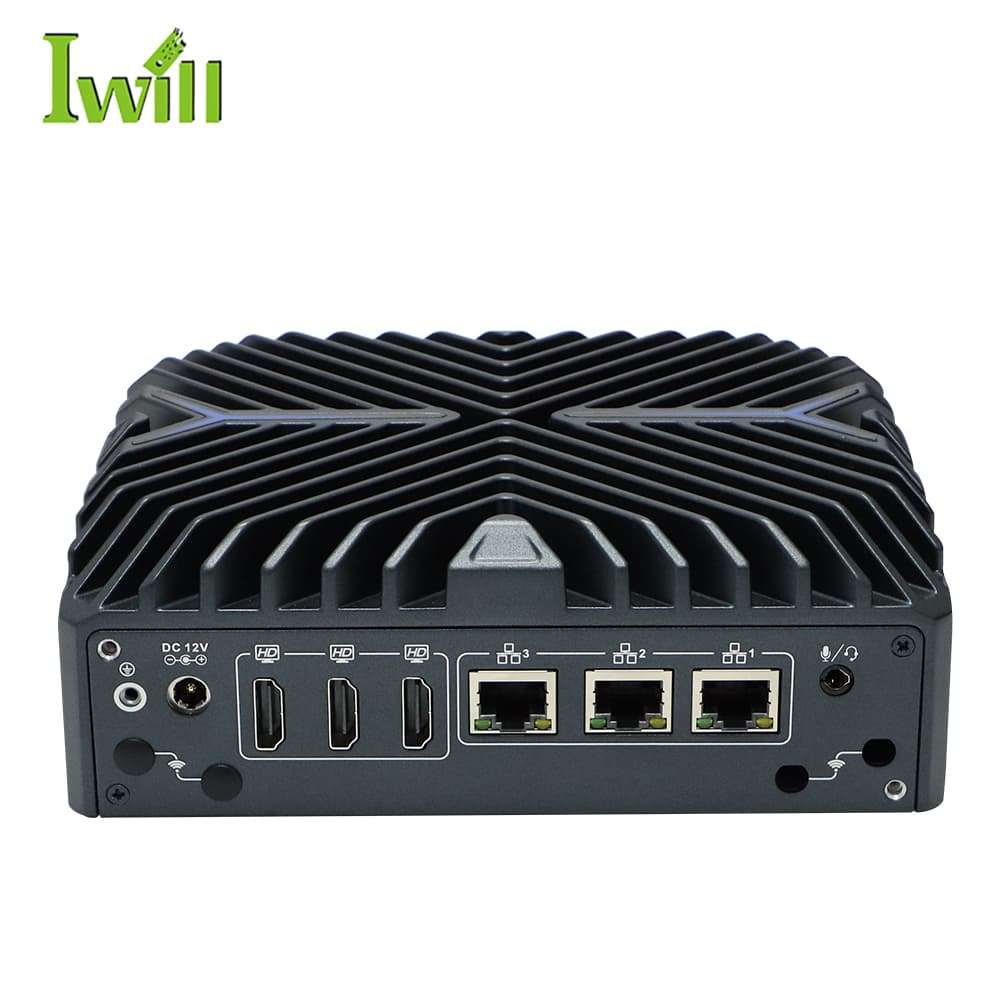
The hardware behind the video wall determines what is possible. IBOX-3226 provides everything needed for a professional command centre:
4× HDMI 4K@60Hz
Independent resolution on each output. Mix 4K and Full HD monitors without restrictions – each screen is configured individually.
10C/12T i7-1255U
Sufficient power to run Grafana, Zabbix, browser tabs, and 4K video decoding simultaneously without lag.
Fanless and Silent
Critical for control rooms where operators work in shifts. Zero noise from the hardware – just silence and concentration.
Up to 64GB RAM
Sufficient for Docker containers, virtual machines, and heavyweight web applications. Ideal for a Grafana + InfluxDB stack.
Software: Linux with i3wm + xrandr = free multi-monitor manager. For Windows – DisplayFusion offers advanced management of individual screens with profiles and automatic rules.
Cost Comparison
| Component | 4 PCs + KVM Extenders | 1× IBOX-3226 |
|---|---|---|
| Hardware | 4×£425 = £1,700 | £635 |
| OS licences | 4×£120 = £480 | £0–£100 |
| KVM hardware | 4×£255 = £1,020 | £0 |
| Electricity / yr | 4×£65 = £260 | £35 |
| Maintenance / yr | 4×£85 = £340 | £45 |
| 3-year TCO | £5,000 | £740–£875 |
IBOX-3226 – Key Specifications
4× 4K
HDMI 4K@60Hz outputs
10C/12T
Intel Core i7-1255U
64GB
maximum RAM
from £635
ready Video Wall station
Conclusion
A single device replaces an entire rack of equipment. IBOX-3226 eliminates KVM extenders, multiple operating systems, and cable chaos – leaving you with a clean, reliable, and easy-to-maintain video wall. For NOC rooms, factory control rooms, and corporate command centres, this is the lowest-TCO solution.
The fanless design ensures silence in the control room, whilst the 4× 4K outputs deliver crystal-clear imagery on every monitor.
Recommended Video Wall Configurations
Industrial Box PC solutions with multiple video outputs for command centres and NOC rooms.