Introduction
Your ISP gave you a router. You think you are protected. You are not.
The ISP router firmware has not been updated in two years. It uses factory-default credentials. There is no IDS/IPS (Intrusion Detection and Prevention System). Your smart cameras and thermostats are on the same network as your accounting software and customer database.
In this article we will show you how to build professional-grade network security for under £170 – with the same features that large enterprises pay thousands for. See our Firewall/VPN configuration with N1121.
What Is a Firewall?
A firewall is a device that inspects every data packet entering or leaving your network and decides what passes through and what gets blocked. Think of it as a security guard at a building entrance – checking every visitor and only allowing authorised ones in.
How the firewall works
Packet Filtering
Blocking unwanted traffic by IP address and port. A basic but effective first line of defence.
Stateful Inspection
Tracking the state of connections. Blocking invalid packets that do not belong to a legitimate session.
Application Layer
Deep Packet Inspection – blocking malware, DNS filtering and application control.
Important: Your ISP router has a basic NAT firewall – that is like locking the front door but leaving the windows open. A proper firewall does 100× more.
Why is the ISP router not enough?
ISP Router
- ×NAT only – no real traffic inspection
- ×No IDS/IPS (intrusion detection and prevention)
- ×No VPN server for remote access
- ×Firmware lagging 6–12 months behind known vulnerabilities
- ×No logs and no alerts
- ×The ISP has remote access to the device
Dedicated Firewall
- Stateful Inspection of every packet
- Snort/Suricata IDS for intrusion detection
- VPN server (OpenVPN, WireGuard, IPsec)
- You control the updates and configuration
- Full logs and real-time monitoring
- Your hardware – only you have access
Remote Working
A secure VPN tunnel for employees working from home. Access to company resources without risk.
IoT Segmentation
Cameras and thermostats in an isolated VLAN – with no access to the business network.
Ad Blocking
Network-level Pi-hole via pfBlockerNG – ad-free browsing for the entire network.
Guest Network
Internet for visitors without access to internal resources and files.
VPN for Remote Working
A VPN (Virtual Private Network) creates an encrypted tunnel between your device and your office or home network. Think of it as a private corridor through the internet – no one can eavesdrop on what passes through it.
How the VPN connection works
OpenVPN
- Mature and proven protocol
- Broad client support (Windows, macOS, iOS, Android)
- 200–400 Mbps with AES-NI hardware acceleration
- Easy configuration with the pfSense wizard
Tailscale
- Based on WireGuard, no port forwarding required
- Works behind NAT without configuration
- Mesh network – all devices connect directly
- Free for personal use (up to 100 devices)
Why Tailscale? Unlike traditional VPN solutions, Tailscale does not require opening ports on the router. Devices find each other automatically and connect directly. Ideal for users who want a VPN without technical configuration.
Typical scenarios: Accessing the NAS server from home, site-to-site VPN between two offices, protection when working from public Wi-Fi networks in hotels and airports. With the N1121 and AES-NI acceleration, all of this runs with minimal latency.
Network Segmentation for IoT
VLANs (Virtual LANs) allow you to create virtual networks within a single physical infrastructure. Each VLAN is isolated – devices in one zone cannot see devices in another unless you explicitly permit it.
Network architecture with VLAN segmentation
Red lines indicate blocked traffic between zones
Trusted Zone (VLAN 10)
Computers, phones, printers – full access to the internet and internal resources. This is where your workstations and servers reside.
IoT Zone (VLAN 20)
Cameras, sensors, smart devices – restricted internet, no access to the trusted zone. If a camera is compromised, it has no path to the accounting software.
Guest Zone (VLAN 30)
Wi-Fi for visitors – internet only. No visibility to internal files, printers or devices.
Why it matters: Segmentation means that a compromised camera cannot reach the accounting server. Each zone is a wall – a breach in one does not affect the others.
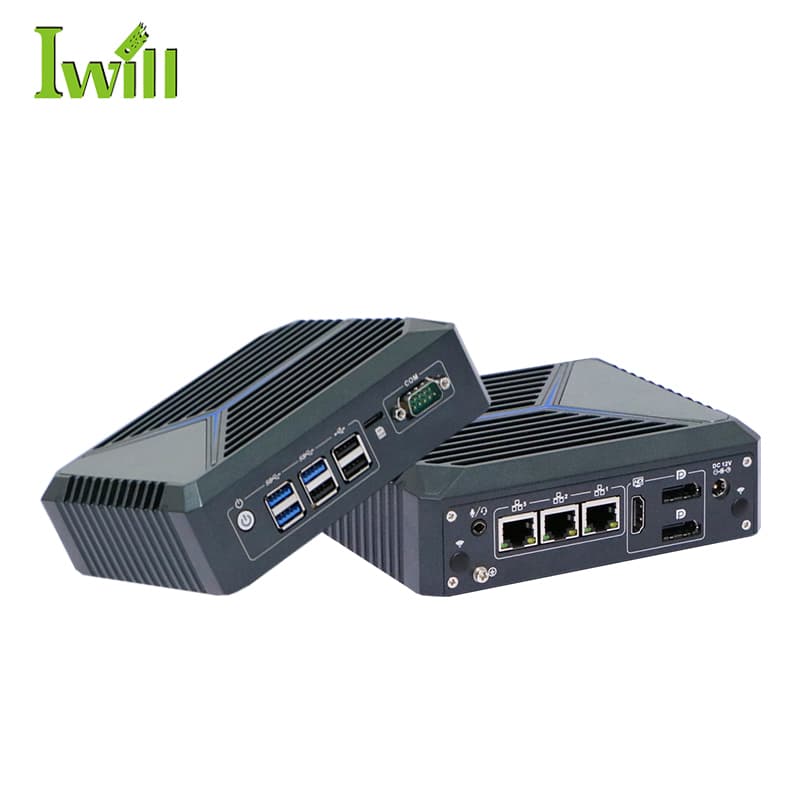
N1121: Your Fortress for £160
3× 2.5G LAN
WAN + LAN + OPT/DMZ – three physical zones. No need for a managed switch for basic segmentation.
Intel AES-NI
Hardware encryption for fast VPN. OpenVPN at 200+ Mbps, WireGuard at 800+ Mbps without stressing the CPU.
<15W Fanless
Always on, completely silent. Draws less power than an LED bulb. You forget it even exists.
TPM 2.0
Secure boot and encrypted storage. If someone steals the device, the data remains protected.
pfSense or OPNsense? Both run flawlessly on the N1121. pfSense has a larger community and more documentation. OPNsense offers a more modern interface and more frequent updates. The choice is a matter of preference – both are free, open-source and enterprise-grade.
Cost Comparison
| Fortinet FortiGate 40F | Cisco Meraki MX64 | N1121 + pfSense | |
|---|---|---|---|
| Hardware | £510 | £510 | £160 |
| Annual licence | £255 | £340 | £0 |
| VPN users | Included | Included | Unlimited |
| IDS/IPS | Included | Included | Suricata (free) |
| 3-year TCO | £1,275 | £1,530 | £160 |
N1121 – Key Specifications
3× 2.5G
LAN ports
AES-NI
hardware encryption
<15W
fanless power draw
£160
starting price
Conclusion
Enterprise-grade network security is no longer a matter of budget. With the N1121 and pfSense/OPNsense you get the same features as Fortinet and Cisco – stateful firewall, IDS/IPS, VPN, VLAN segmentation – for under £170 with no annual licences.
For a small office, home network or as an additional firewall in a larger infrastructure – the N1121 is the silent guardian that works 24/7 without you noticing it is there.
Recommended Configurations
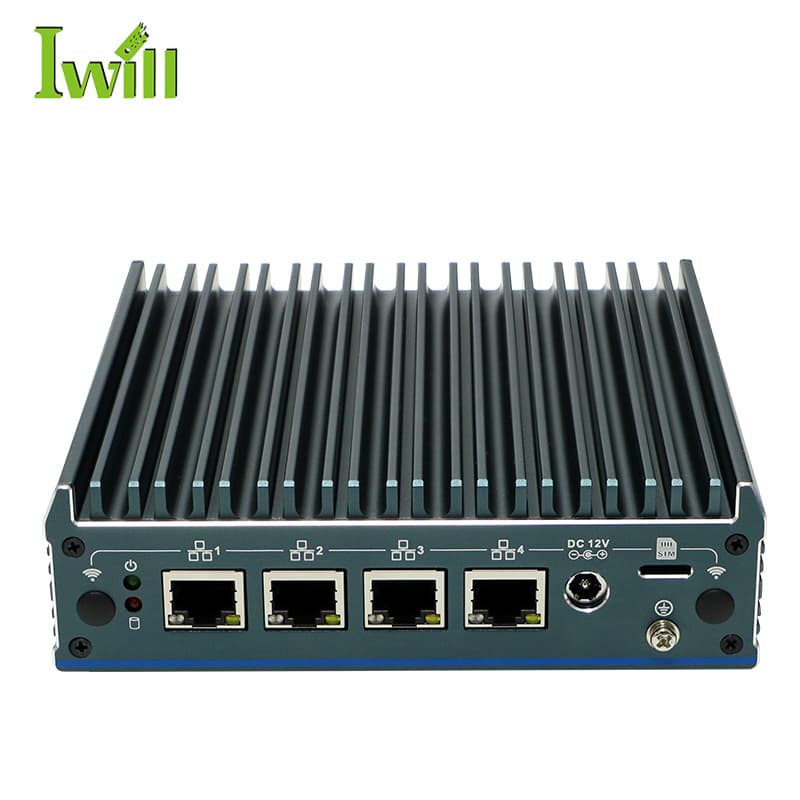
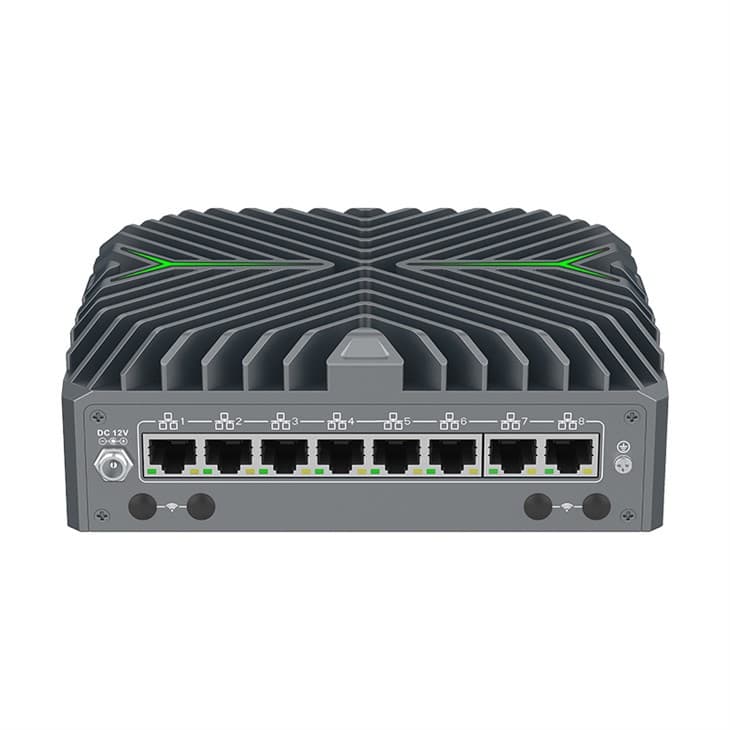
Mini PC solutions for Firewall, VPN and network security.